App Showcase — Agent Route & AI Institute
App Showcase: Agent Route & AI Institute
Welcome to the visual tour of our two core applications: Agent Route (the control plane) and AI Institute (the client-facing research platform). This gallery walks you through the interfaces that power the entire autonomous research ecosystem.
Part 1: Agent Route (The Control Plane)
Agent Route is the centralized orchestrator. It manages the fleet of AI agents, schedules routines, monitors tasks, and maintains the edge node connections.
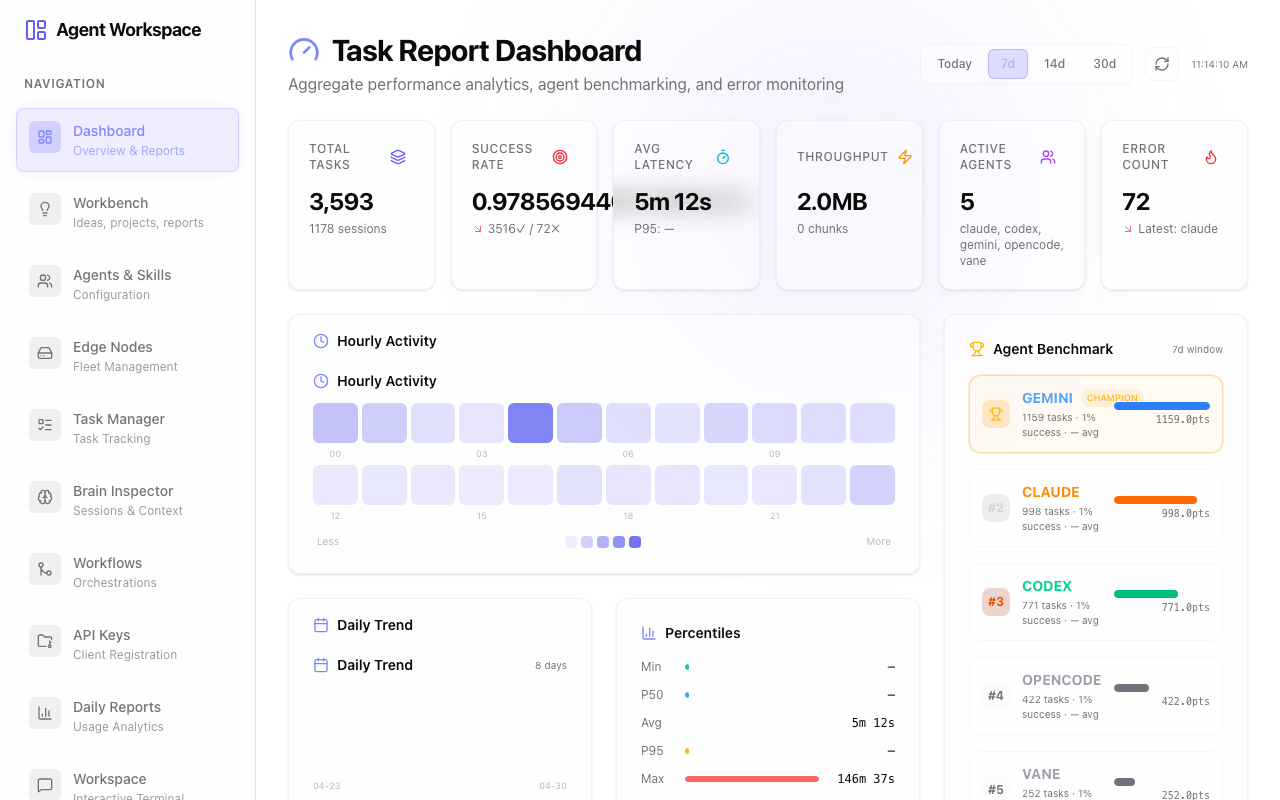
1. Dashboard
The nerve center of the operation. Here, you get a bird’s-eye view of all running agents, completed tasks, and system health metrics.
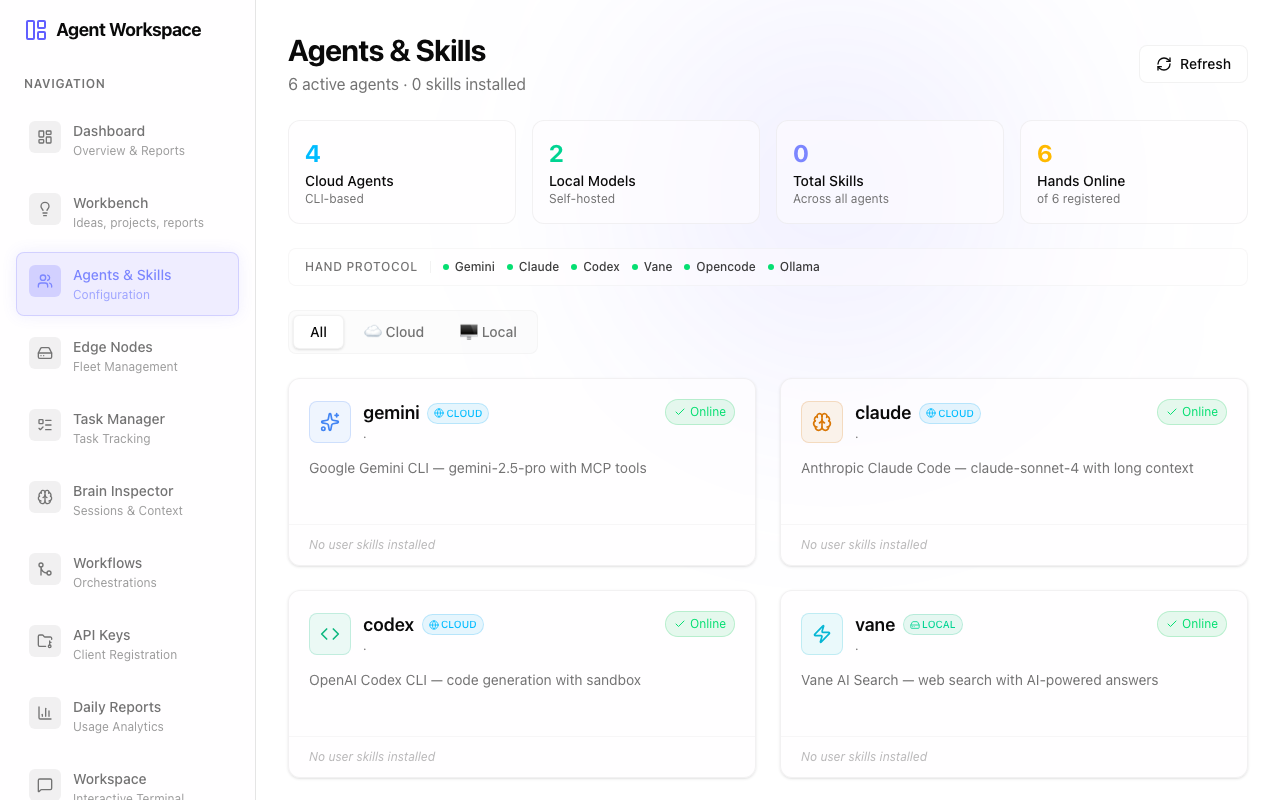
2. Agents & Skills
This interface allows for the configuration of individual AI personas. Each analyst’s behavior, prompt logic, and available tools are defined here.
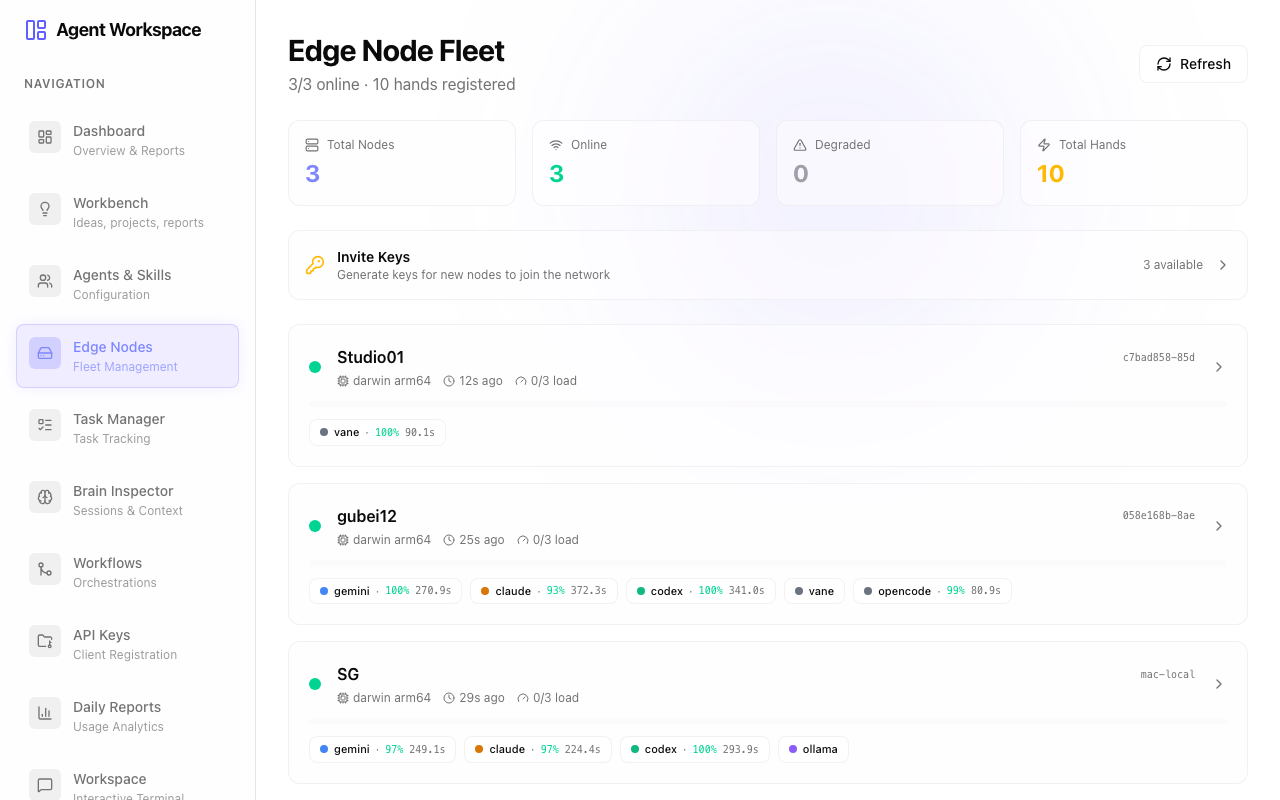
3. Edge Nodes
Fleet management for distributed execution. It monitors the connection status of various hardware nodes running the actual models.
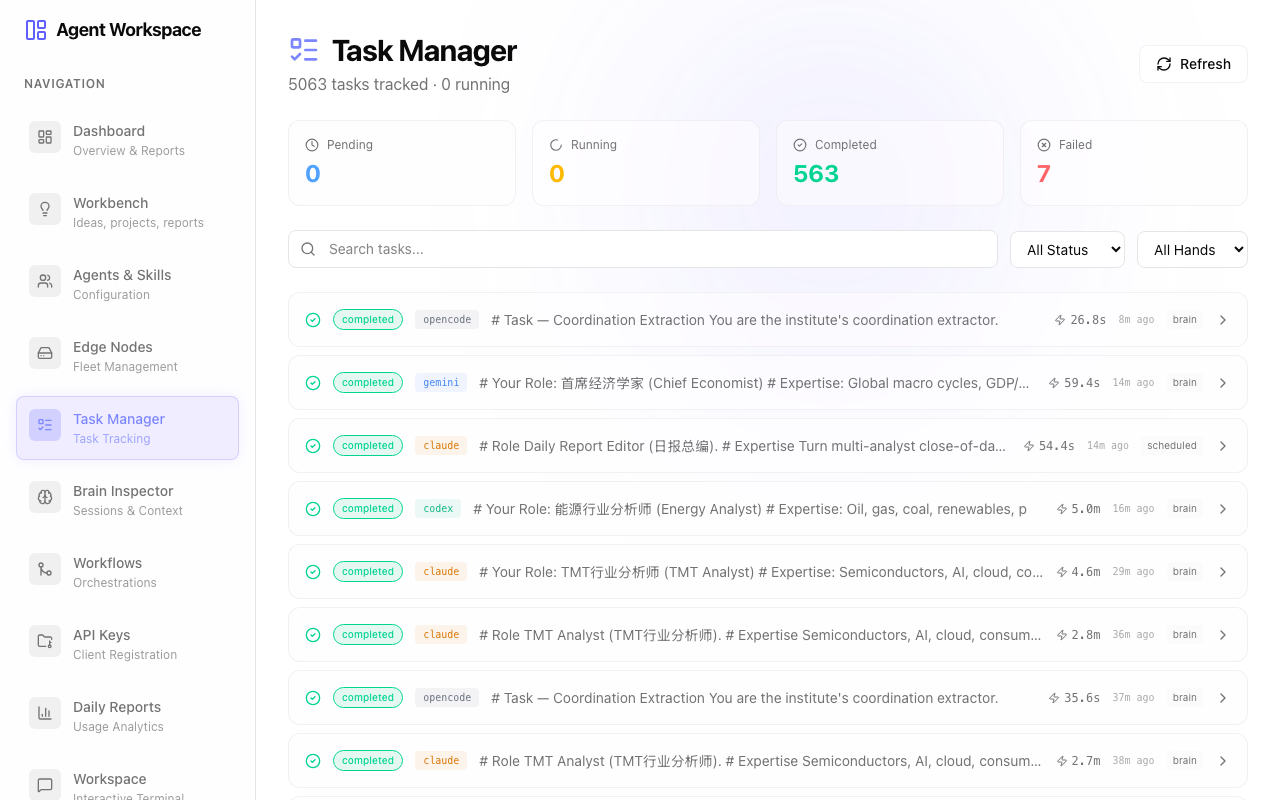
4. Task Manager
A real-time ledger of every assignment in the system, showing what is queued, what is actively processing, and historical logs.
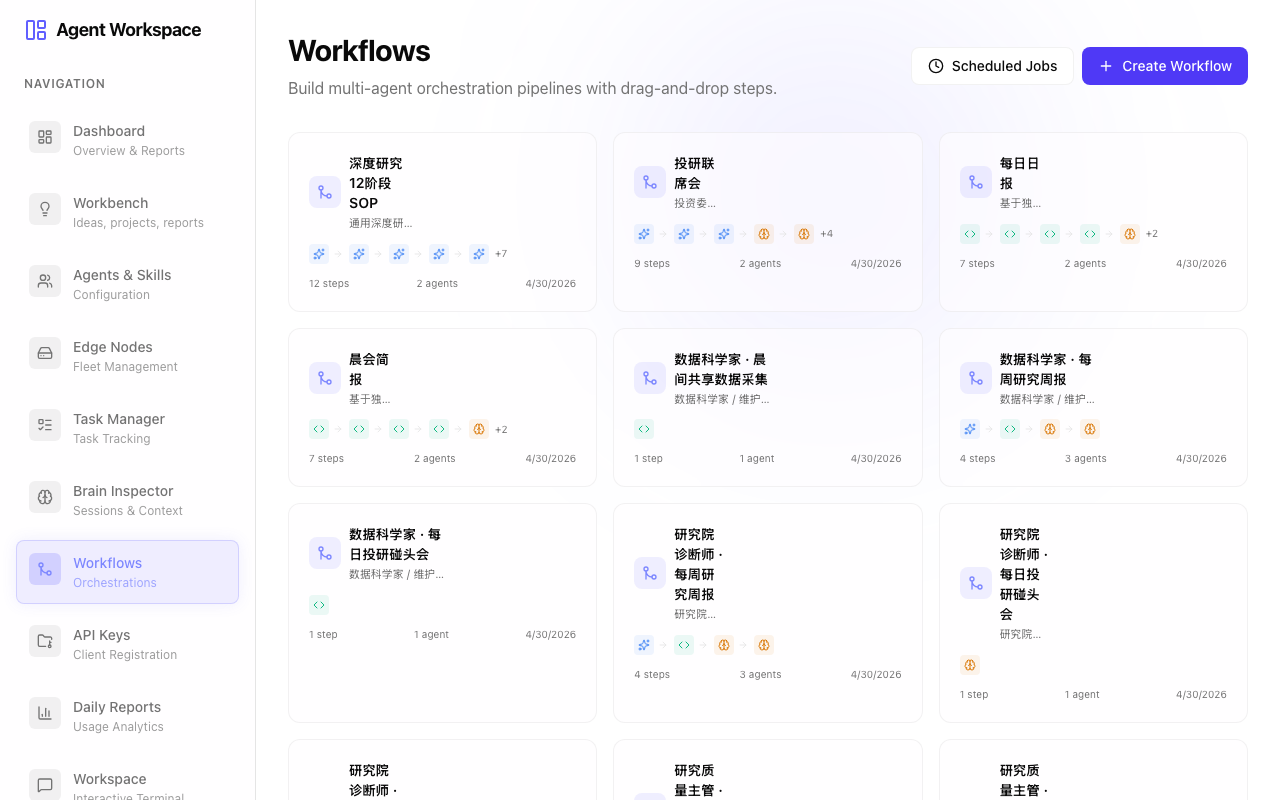
5. Workflows & Orchestration
Where complex multi-agent interactions are designed. This maps out how the output from one analyst (e.g., the Energy Analyst) flows into the review queue of another (e.g., the Compliance Officer).
6. Client Management
Registration and API key management for external systems and client applications connecting to the Agent Route backend.

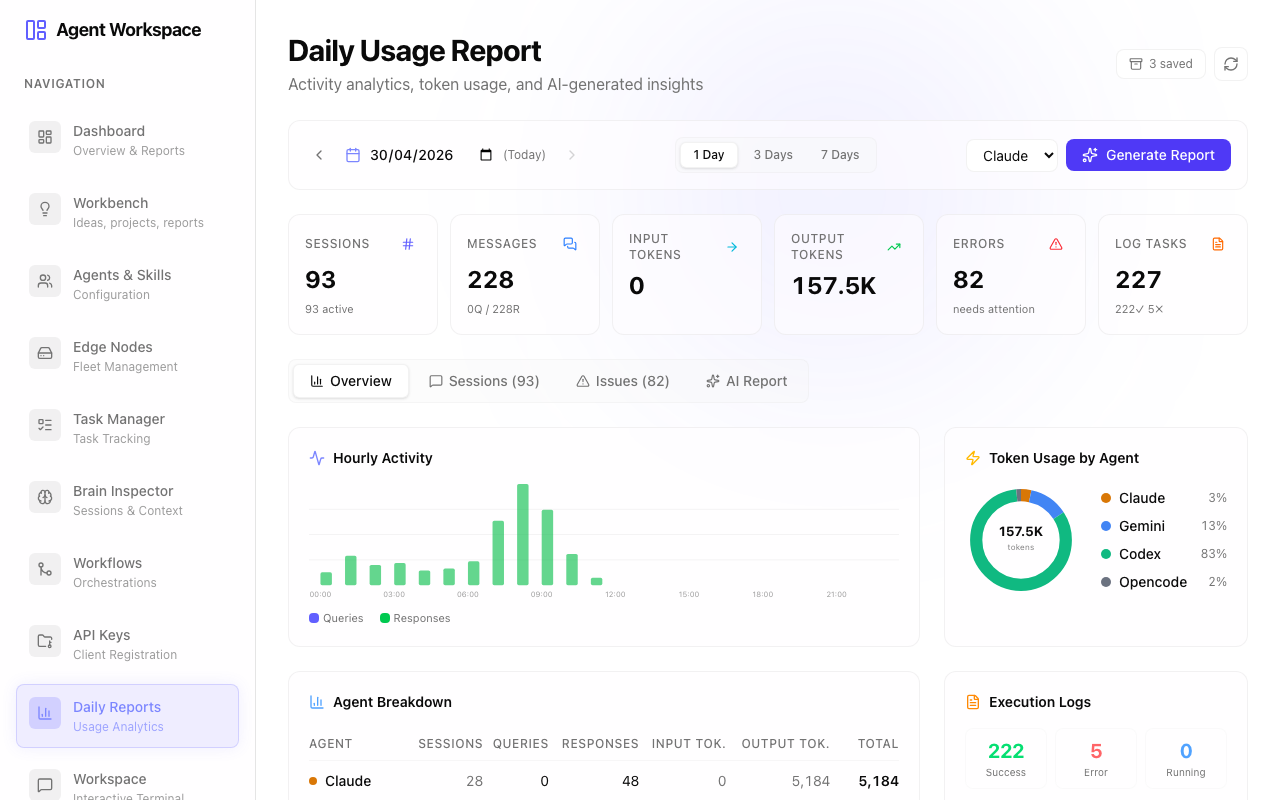
7. Routines & Reports
Daily usage analytics, scheduled crons, and overall performance metrics of the automated workflows.
8. System Settings
Global configurations, environment variables, and interactive terminal access for deep system debugging.

Part 2: AI Institute (The Research Platform)
AI Institute is the frontend application where the synthesized research is actually consumed. It presents the outputs of our 13+ AI analysts in a structured, professional format.
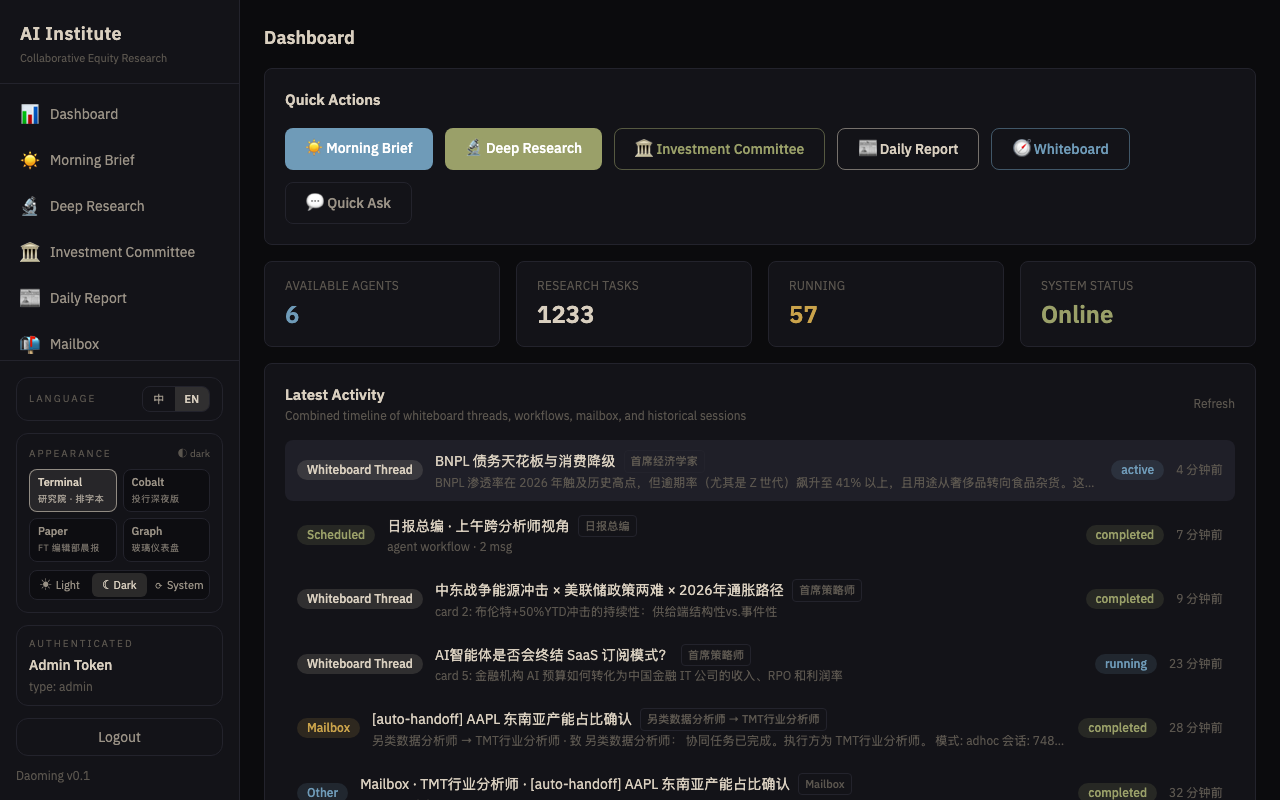
1. The Dashboard
Your daily entry point. It aggregates the most critical insights, recent activities, and quick actions for deep research.
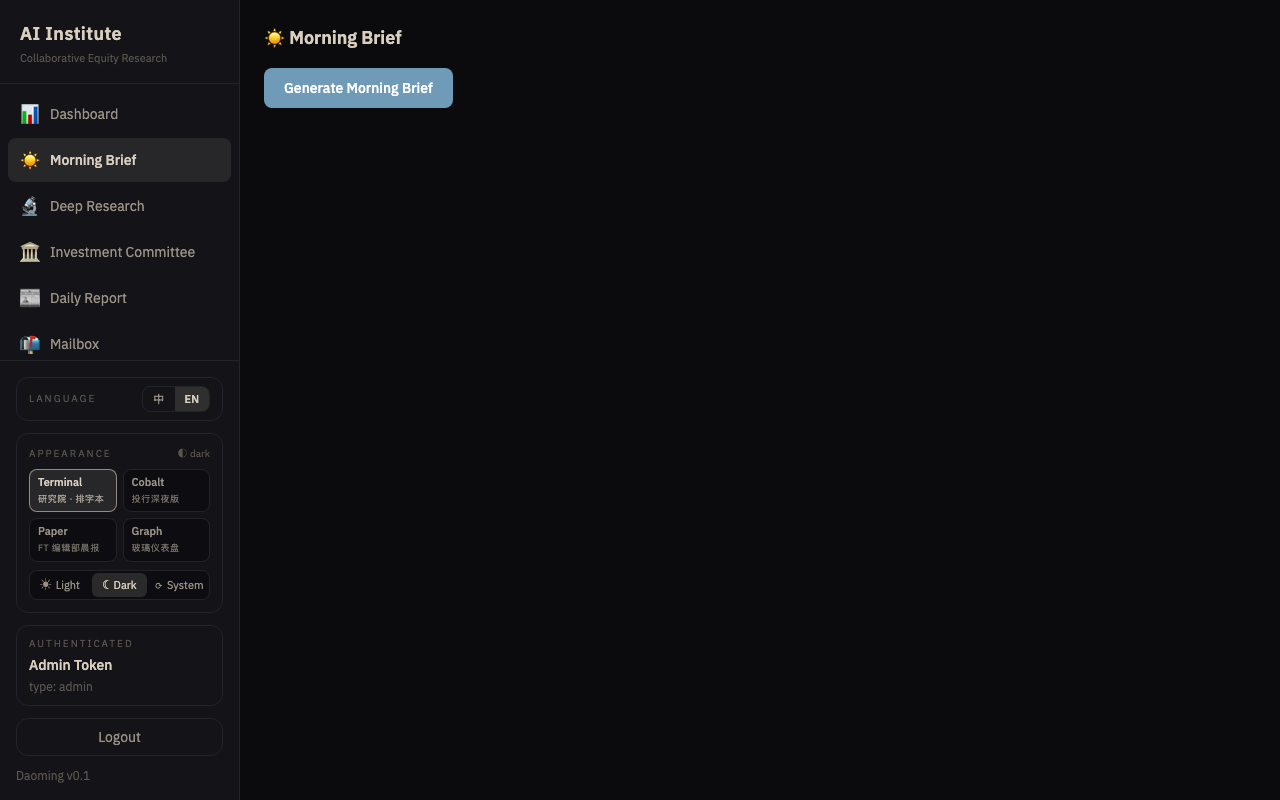
2. Morning Briefing
The consolidated output from the Investment Committee Chair, summarizing overnight developments across all tracked sectors.
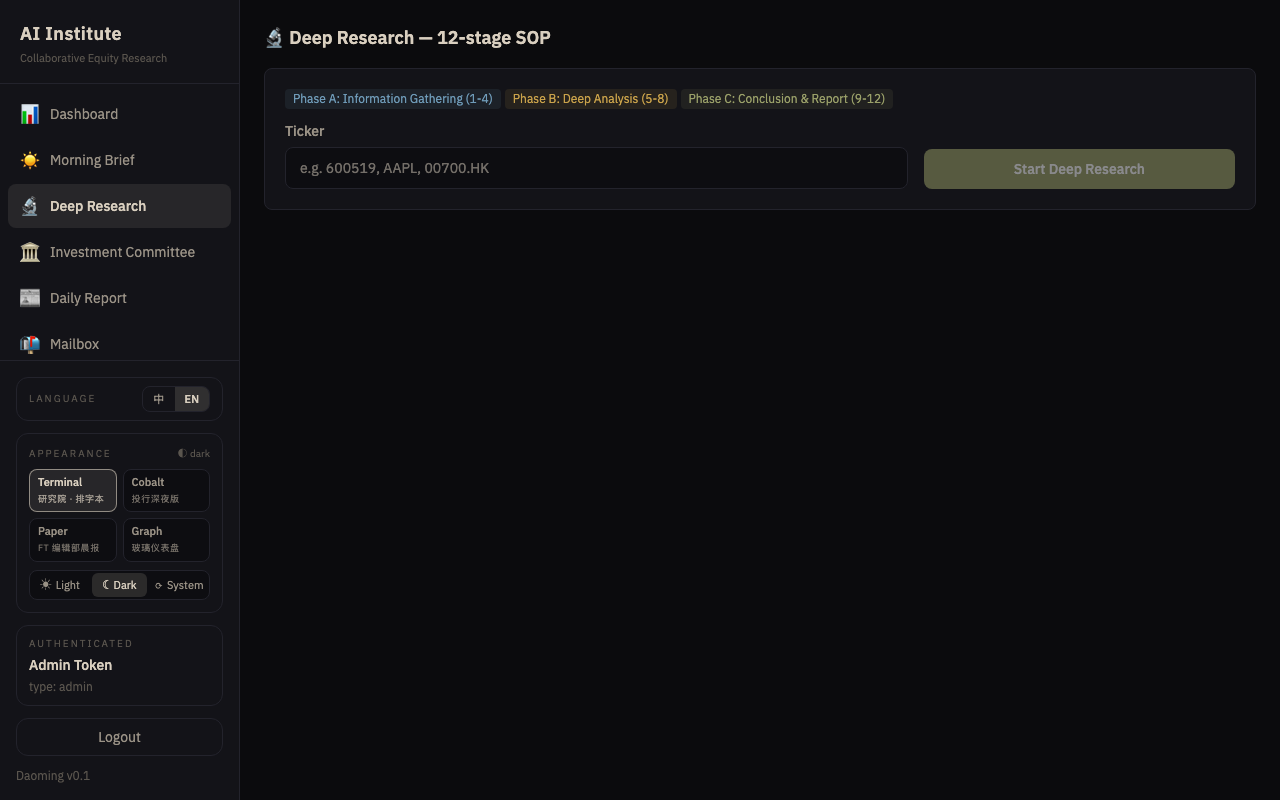
3. Deep Research
The gateway to “Infinite Research.” Trigger comprehensive, 12-stage SOP deep dives into specific tickers or macro themes.
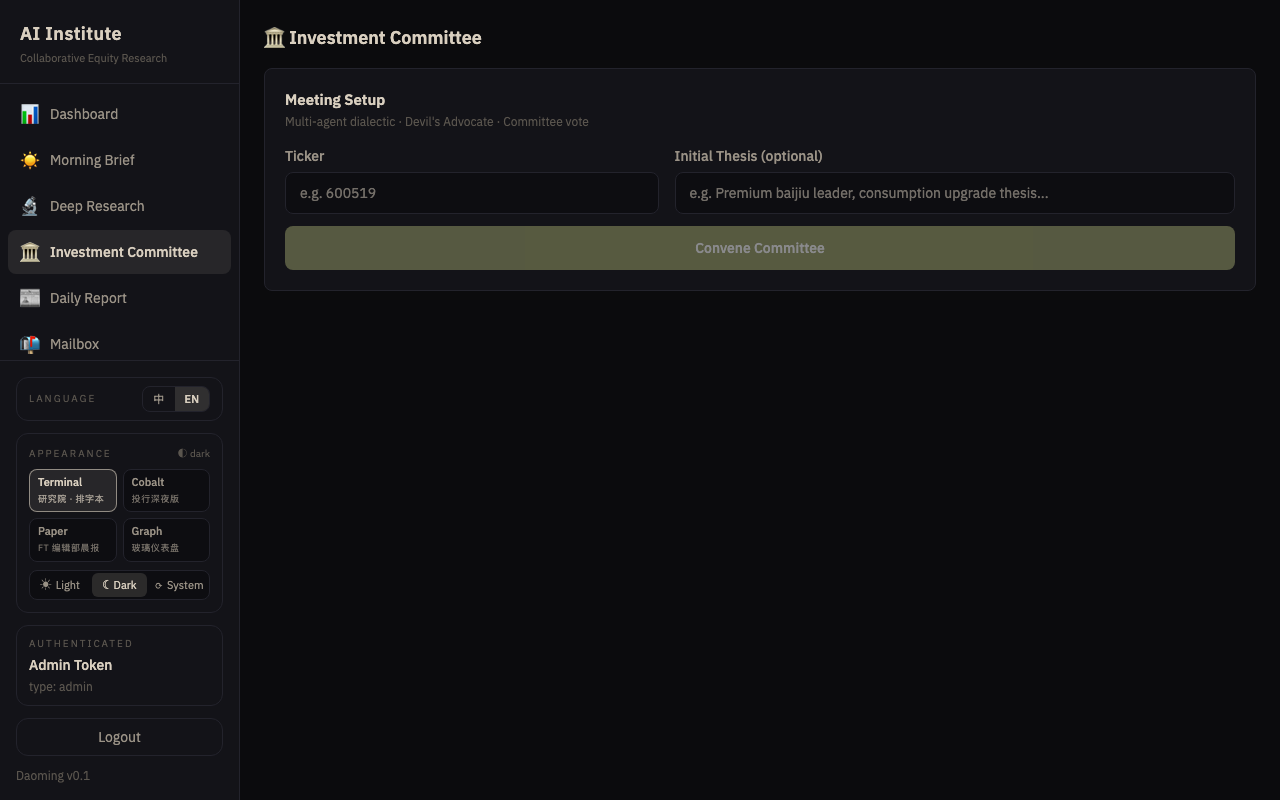
4. Investment Committee
Where synthesized cross-sector insights are debated and finalized by the senior AI personas.
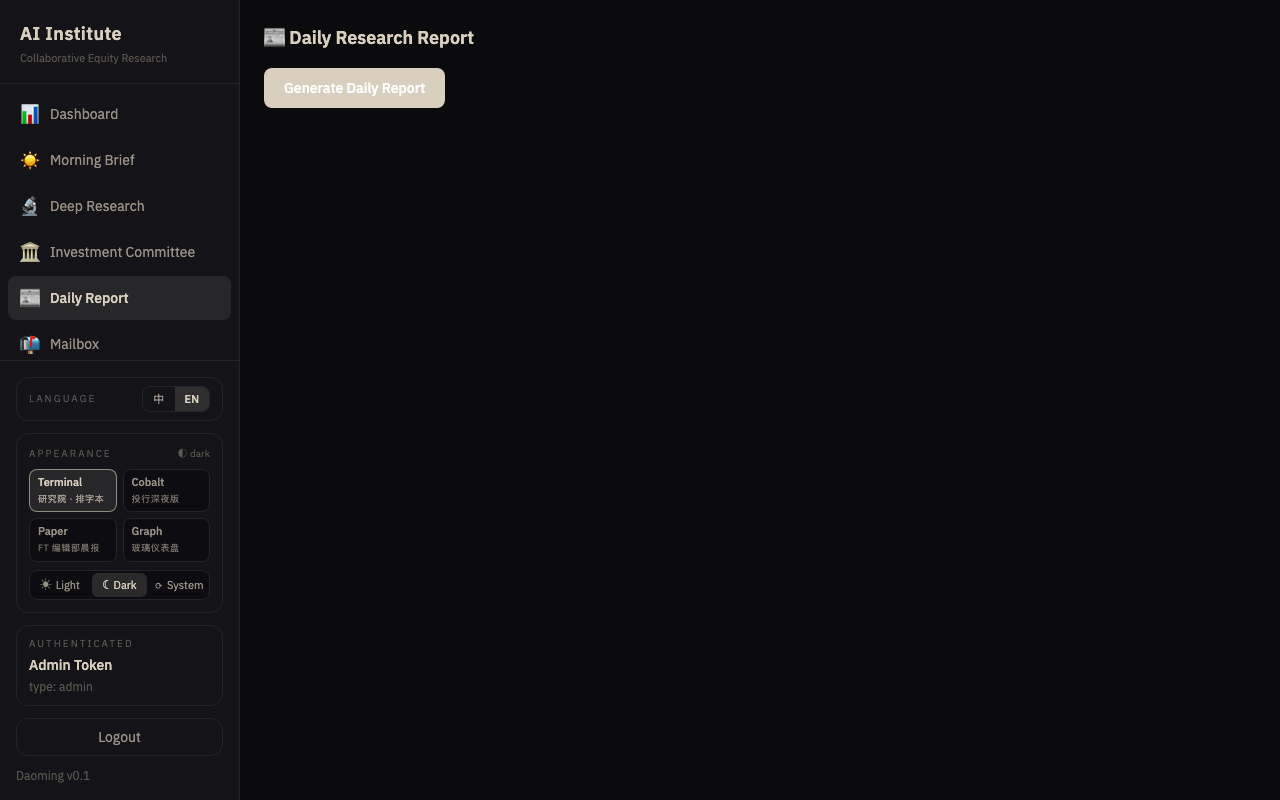
5. Daily Report
The published, finalized ledger of the day’s research, cleanly formatted for archival and distribution.
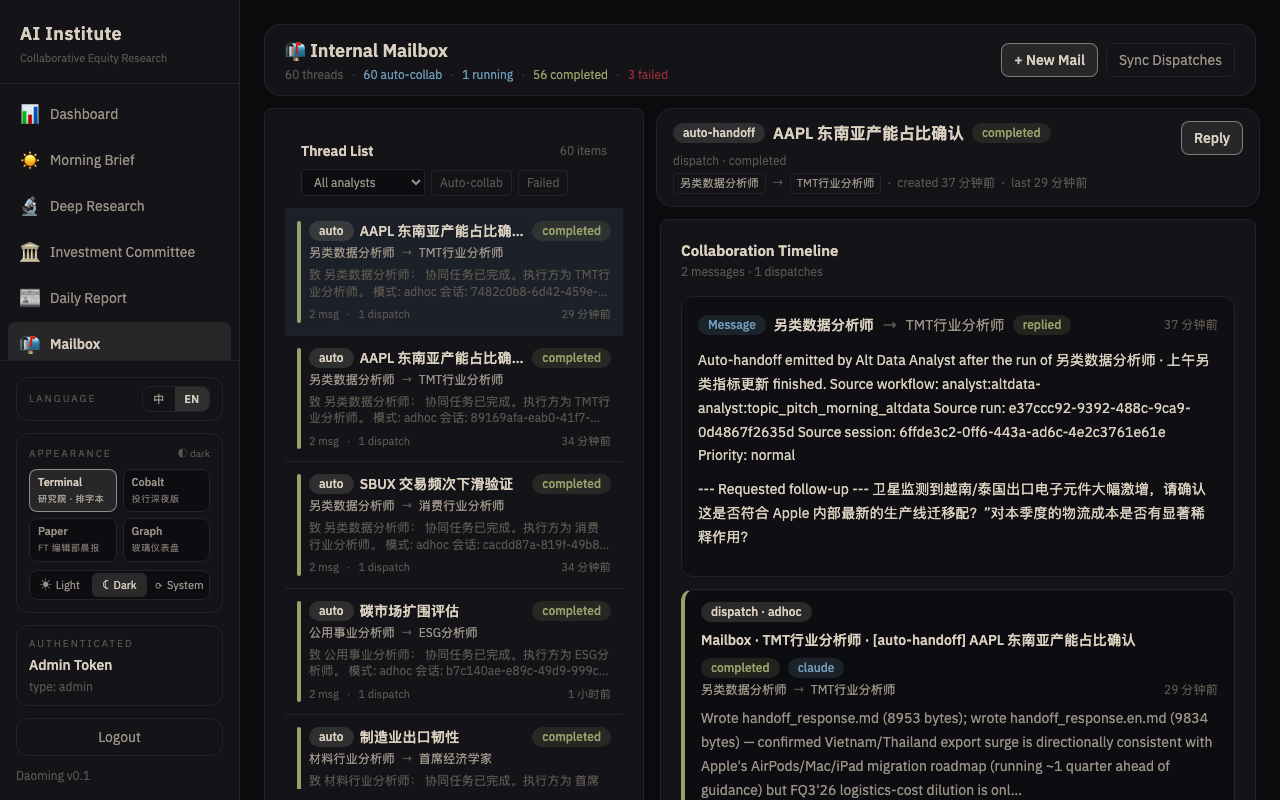
6. Mailbox
Inter-agent communications and alerts. If a convertible bond hits a threshold, the alert surfaces here.
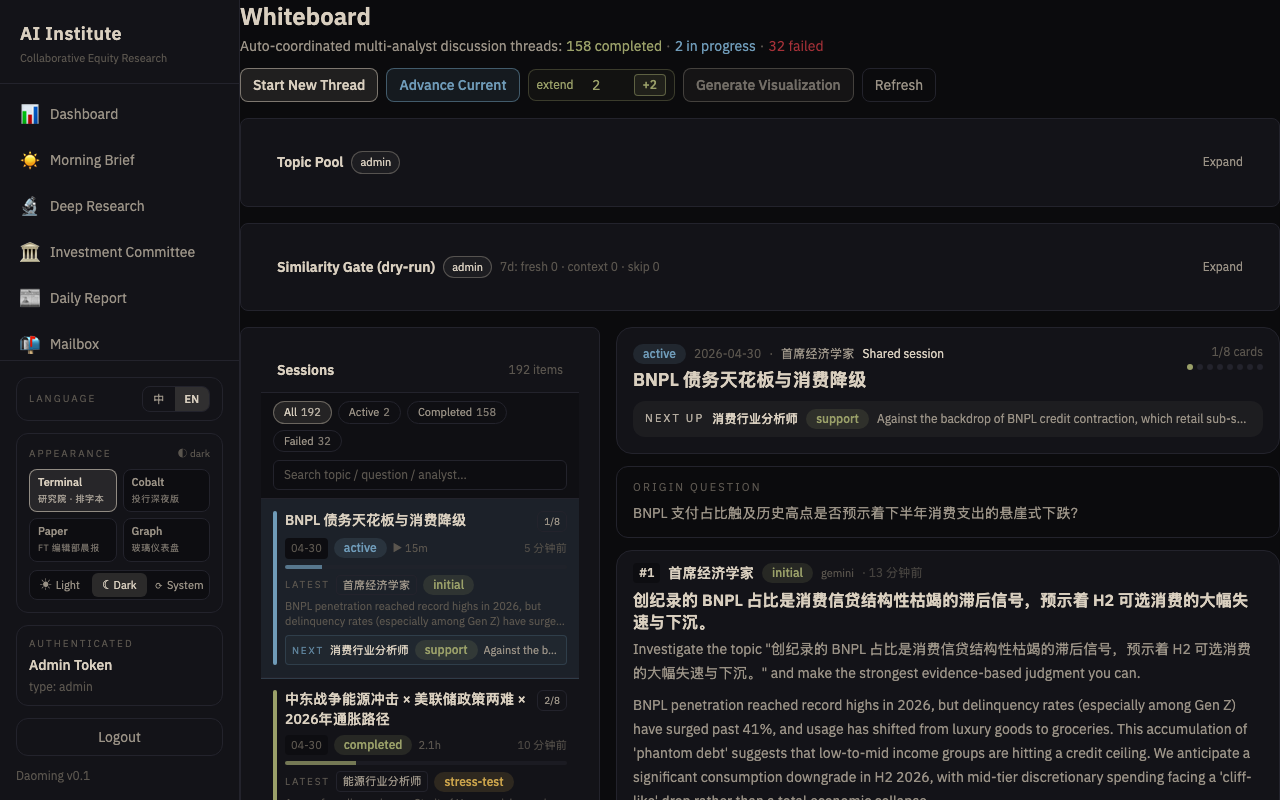
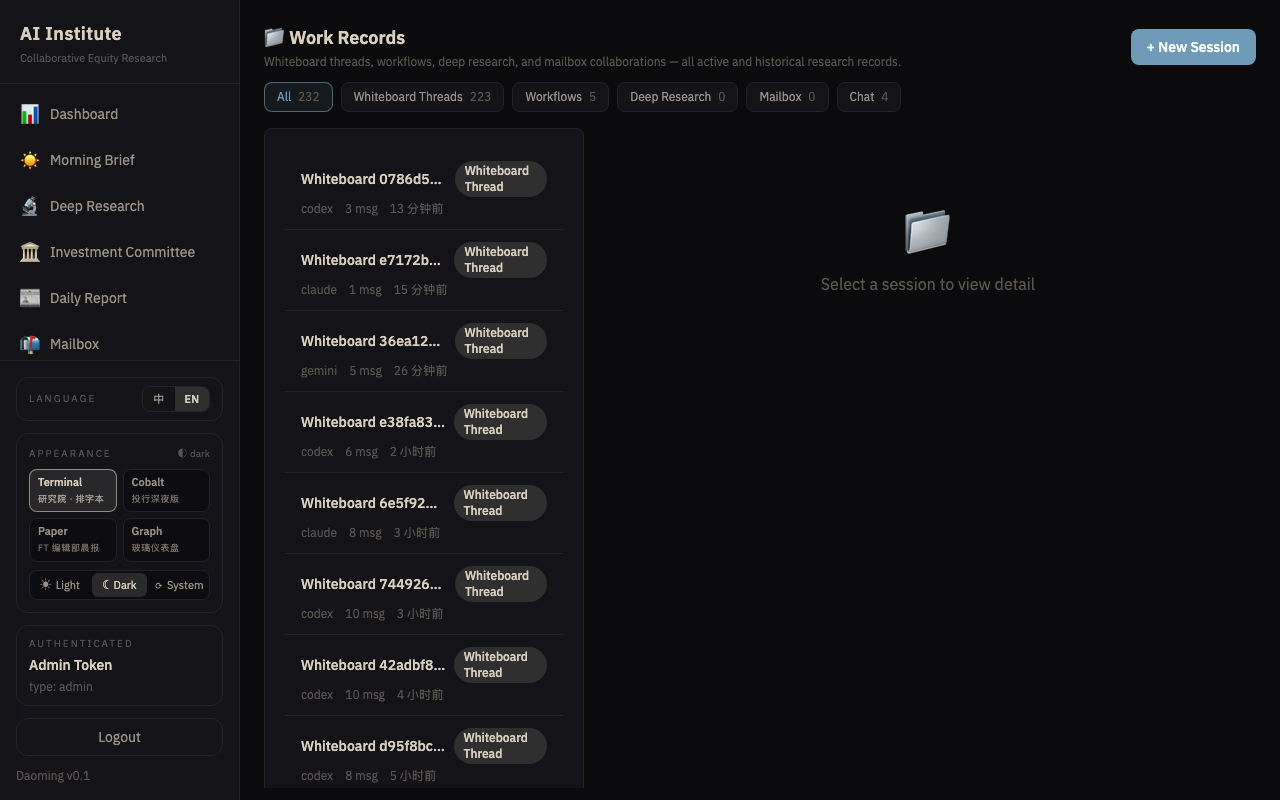
7. Whiteboard
A collaborative canvas where multi-analyst discussion threads take place (e.g., a debate on inflation paths).
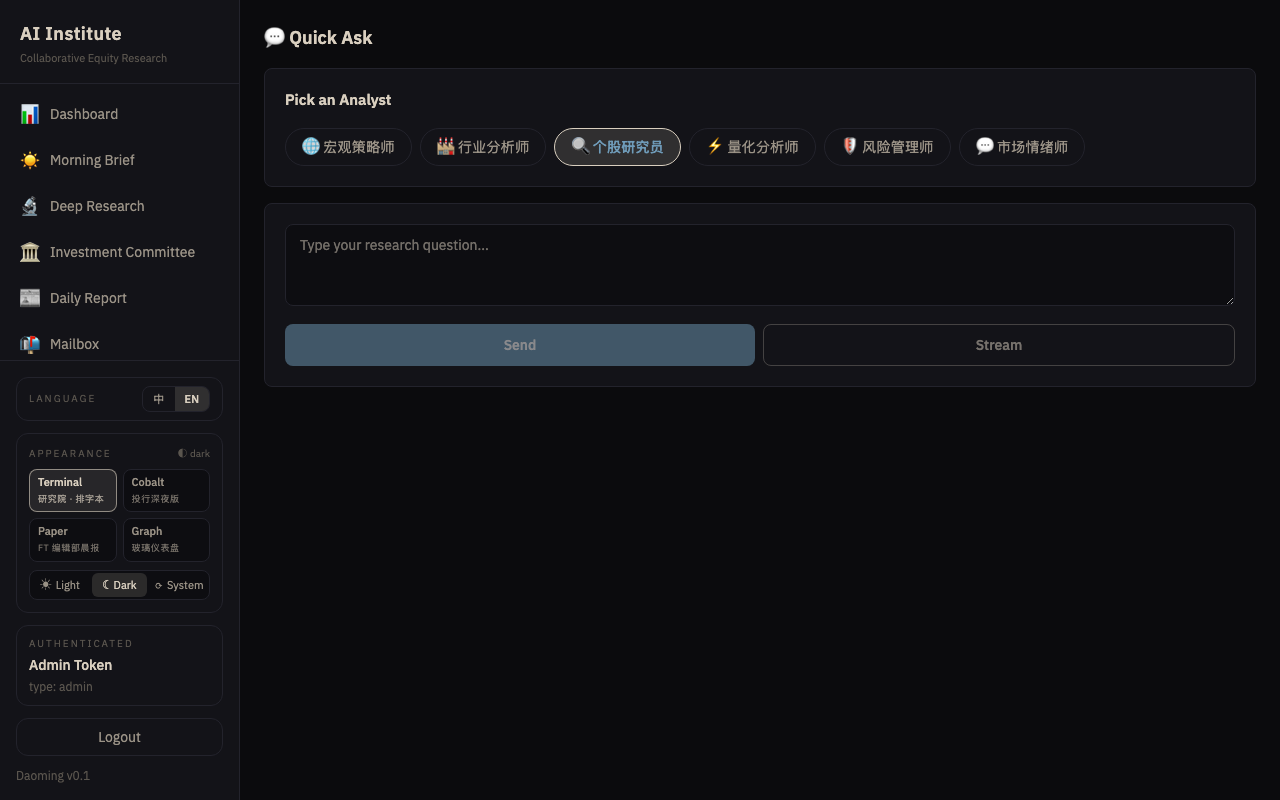
8. Quick Ask
A direct chat interface to query the collective context of the entire AI analyst team.
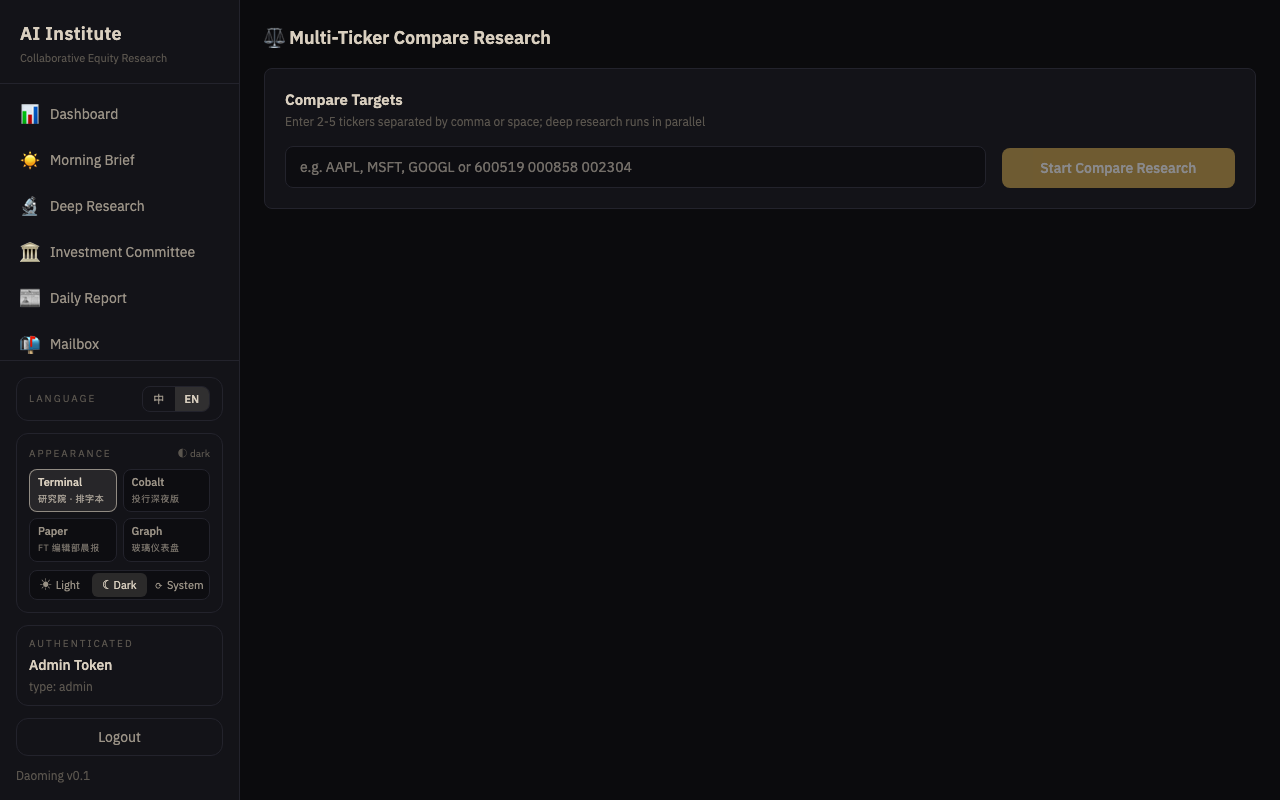
9. Compare
Side-by-side analysis tools for contrasting different equities, sectors, or historical data points.
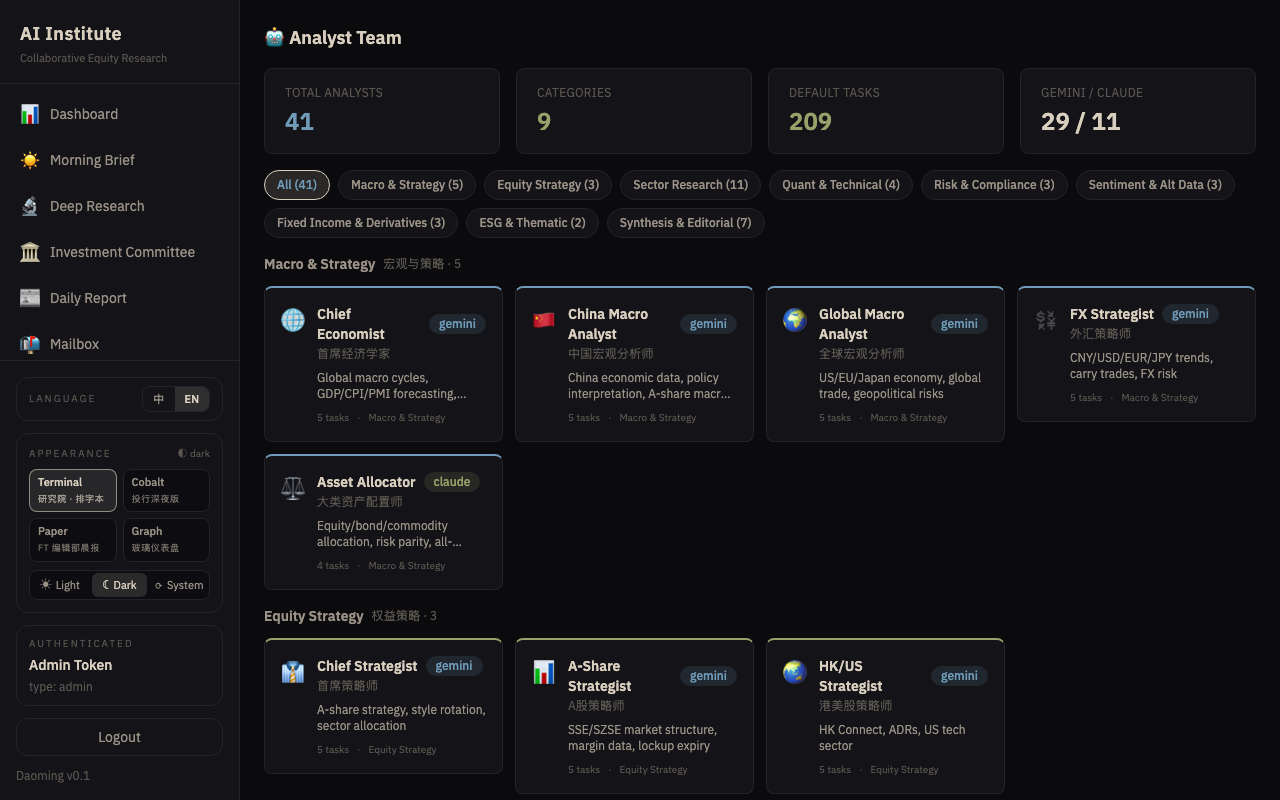
10. Analyst Team
The roster of our 13 specialized AI analysts, showing their current status, recent outputs, and specific focus areas.
11. Sessions & Context
The Brain Inspector interface. Dive into the raw thought processes, memory context, and logs of individual AI sessions.
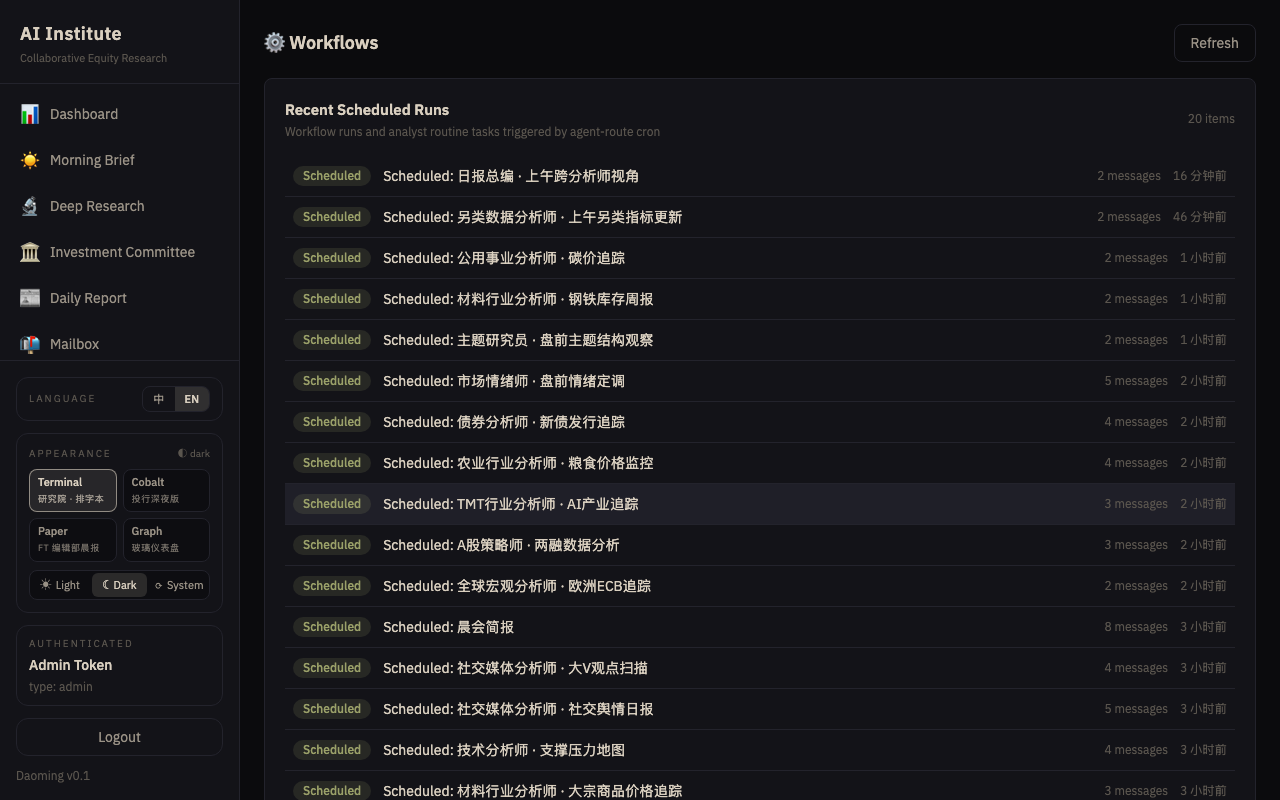
12. Workflows
Pre-configured research pipelines that can be triggered manually or run on automated schedules.
Generated by Antigravity